
|
 |

|
|
|
|
|
|
Success in creating AI would be the biggest event in human history. Unfortunately, it might also be the last, unless we learn how to avoid the risks, Stephen Hawking.
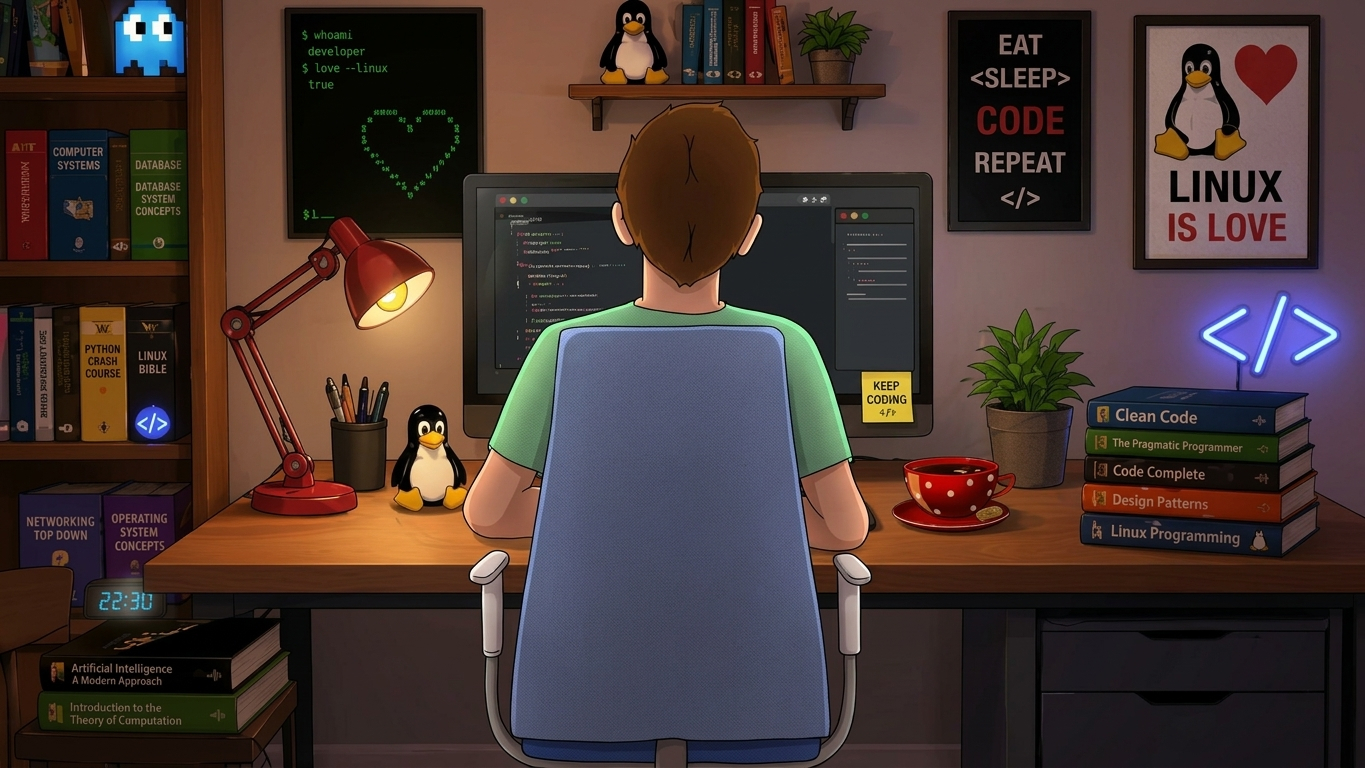
This guide sets up a fully local, private AI coding assistant in VS Code using Ollama for model serving and Continue for the editor integration. It covers installation, server tuning, model selection, a three-model configuration (chat/edit, autocomplete, embeddings), and dotfile management with GNU Stow.
Continue is an open-source AI code agent.
code --install-extension Continue.continue
code --list-extensions | sort > ~/dotfiles/macOS/code/vs-code-extensions.txt
Ollama runs language models on your Mac and exposes them on http://localhost:11434.
# The Homebrew cask ollama-app installs the official .app bundle.
brew install --cask ollama-app
# Start it once.
# The first launch installs the ollama command and starts the background server (menu bar icon):
open -a Ollama

# Verify the installation
ollama --version                          # CLI works
curl http://localhost:11434/api/version   # server answers with JSON
ollama list                               # empty for now until models are pulled
Ollama’s menu-bar app reads environment variables at startup. launchctl setenv is the correct mechanism for GUI apps on macOS, because a ~/.zshrc export does not reach a process launched by LaunchServices.
# More memory-efficient attention. Required for the next option.
launchctl setenv OLLAMA_FLASH_ATTENTION 1

# Store the KV cache in 8-bit: roughly half the memory of the default
# with very little quality loss.
launchctl setenv OLLAMA_KV_CACHE_TYPE q8_0

# Keep an idle model loaded for 30 minutes (default is 5 minutes).
# Use -1 to never unload, or 0 to unload immediately.
launchctl setenv OLLAMA_KEEP_ALIVE 30m

# Restart the app to apply
osascript -e 'tell application "Ollama" to quit'
sleep 3
open -a Ollama
launchctl getenv OLLAMA_KV_CACHE_TYPE   # should print q8_0

# launchctl setenv values are lost on reboot. Re-enter the three lines after restarting the Mac
# Create a LaunchAgent that does it at login
ollama pull qwen3.6:27b              # chat, edit: the big one, ~19 GB, takes a while
ollama pull qwen2.5-coder:1.5b       # tab autocomplete: tiny and fast (Continue's recommended local pick)
ollama pull nomic-embed-text         # embeddings, so Continue can index your codebase (@codebase)
ollama list

# Test and inspect
ollama run qwen3.6:27b
# Ask something short, then exit with `/bye`.
# While it's loaded, in another tab, run
ollama ps
Look at the PROCESSOR column: 100% GPU is what you want. A split like 30%/70% CPU/GPU means the model doesn’t fully fit and will be slow. You may want to use a smaller model. Also open Activity Monitor, Memory and watch the Memory Pressure graph: green or yellow is fine, sustained red means too much.
# Useful commands:
ollama list              # list installed models
ollama ps                # show loaded models and CPU/GPU split
ollama show qwen3.6:27b  # inspect model metadata (context length, quantization, etc.)
ollama stop MODEL        # unload MODEL from memory now
ollama rm MODEL          # delete MODEL from disk
🔑 Core Features
AI Chat Panel: Ask questions, explain code, generate functions, or troubleshoot errors without leaving VS Code.
Inline Autocomplete: Contex-aware code suggestions as you type (similar to Copilot, but customizable).
Code Actions: Right-click any selection to refactor, write tests, fix bugs, or generate documentation via AI.
Context Awareness: Automatically includes your open files, selected code, terminal output, git history, and project docs when making requests.
Slash Commands & @ Mentions: Run predefined workflows (/edit, /debug, /tests) or explicitly reference files, folders, or docs (@package.json, @docs).
Multi-Model Switching: Seamlessly swap between models per task (e.g., fast local model for autocomplete, powerful cloud model for complex reasoning).
Connect Continue to Ollama. Continue reads a YAML config from ~/.continue/config.yaml. We will keep it in the repo as a second Stow package called continue.
cd ~/macOS
mkdir -p continue/.continue
# It makes sure ~/.continue already exists as a real folder.
mkdir -p ~/.continue

code ~/macOS/continue/.continue/config.yaml
# The current Continue config file
name: Local Ollama
version: 1.0.0
# The current Continue config format
schema: v1

models:
# Chat, inline edit and applying changes: the big model.
- name: Qwen3.6 27B
    provider: ollama
    # provider: ollama: use the local Ollama server.
    # Its default address http://localhost:11434 is assumed.
    # Add apiBase: http://other-host:11434 only for a remote Ollama.
    model: qwen3.6:27b
    # model: must match a tag shown by ollama list exactly.
    roles:
    - chat
    - edit
    - apply
    # roles: decide which model does what:
    # chat (sidebar), edit (inline edit), apply (writing changes into files),
    # autocomplete (tab completions), embed (indexing).
    defaultCompletionOptions:
    contextLength: 16384
    # contextLength: how many tokens of conversation the model sees.
    capabilities:               # only needed if Continue does not auto-detect them (agent mode)
    - tool_use

# Tab autocomplete: small and fast.
- name: Qwen2.5 Coder 1.5B
    provider: ollama
    model: qwen2.5-coder:1.5b
    roles:
    - autocomplete

# Codebase indexing (@codebase).
- name: Nomic Embed
    provider: ollama
    model: nomic-embed-text:latest
    roles:
    - embed
Link it.
cd ~/macOS
# --no-folding forces Stow to create individual symlinks rather than symlinking the whole .continue directory,
# which is important because Continue may write other files (logs, indexes) into ~/.continue.
stow -nv --no-folding -t ~ continue     # dry run
stow -v  --no-folding -t ~ continue
ls -l ~/.continue/config.yaml           # should be a symlink into dotfiles
LINK: .continue/config.yaml => ../macOS/continue/.continue/config.yaml
Try it. Reload VS Code (Developer: Reload Window). Then:
Open the Continue sidebar (View: Show Continue) and check the model dropdown shows Qwen3.6 27B.
Cmd+L sends the selected code to the chat. Cmd+I starts an inline edit. Both are Continue defaults, and Cmd+I overlaps VS Code’s default “Trigger Suggest” on Mac, so if one misbehaves, check Keyboard Shortcuts (Cmd+K Cmd+S). Ctrl+Space still triggers suggestions.
Open a .py file and start typing: grey tab-completion suggestions come from the 1.5B model. Press Tab to accept.
In another terminal, run ollama ps while you chat. You should see the model loaded and running on the GPU.
Save everything to GitHub
cd ~/macOS
git status
git add macOS/code macOS/continue
git commit -m "Add VS Code settings/snippets/extensions and Continue (Ollama) config via stow"
git push
# RAM (Total Memory Installed)
# Press Win + R. Type msinfo32
Installed Physical Memory (RAM). 192 GB

# Graphics Card (GPU Model)
# Win + X, Choose Device Manager, Expand Display adapters
NVIDIA RTX A5500 Laptop GPU

# VRAM (Video Memory)
# Settings, Advanced display settings. Click Display adapter properties
Dedicated Video Memory 16173
While I have 192 GB of system RAM, more than enough, my RTX A5500 Laptop GPU has “only” 16 GB of VRAM. That’s why I’ll download and run a 4-bit quantized version of my favorite model, Qwen3.8-27B.
A 4-bit 27B model takes about 16–18 GB of memory, which Ollama will automatically split between my 16 GB of VRAM and my 192 GB of system RAM. Therefore, I am running the following command: ollama run hf.co/bartowski/Qwen3.8-27B-GGUF:Q4_K_M. Finally, I verify the model is running by typing a text message in the command prompt.
mkdir -p ~/Library/LaunchAgents
cat > ~/Library/LaunchAgents/com.ollama.host.plist <<'EOF'
"http://www.apple.com/DTDs/PropertyList-1.0.dtd">
Label
com.ollama.host
ProgramArguments
/Applications/Ollama.app/Contents/Resources/ollama
serve
EnvironmentVariables
OLLAMA_HOST
0.0.0.0:11434
OLLAMA_FLASH_ATTENTION
1
OLLAMA_KV_CACHE_TYPE
q8_0
OLLAMA_KEEP_ALIVE
30m
RunAtLoad
KeepAlive

JustToThePoint Copyright © 2011 - 2026 Anawim. ALL RIGHTS RESERVED. Bilingual e-books, articles, and videos to help your child and your entire family succeed, develop a healthy lifestyle, and have a lot of fun. Social Issues, Join us.
This website uses cookies to improve your navigation experience.
By continuing, you are consenting to our
use of cookies, in accordance with our Cookies Policy and
Website Terms and Conditions of use.